Multilingual visitor information for
physical spaces
Replace or complement printed information boards with live mobile-friendly content in your visitors' language.
Product
What is Intelligo?
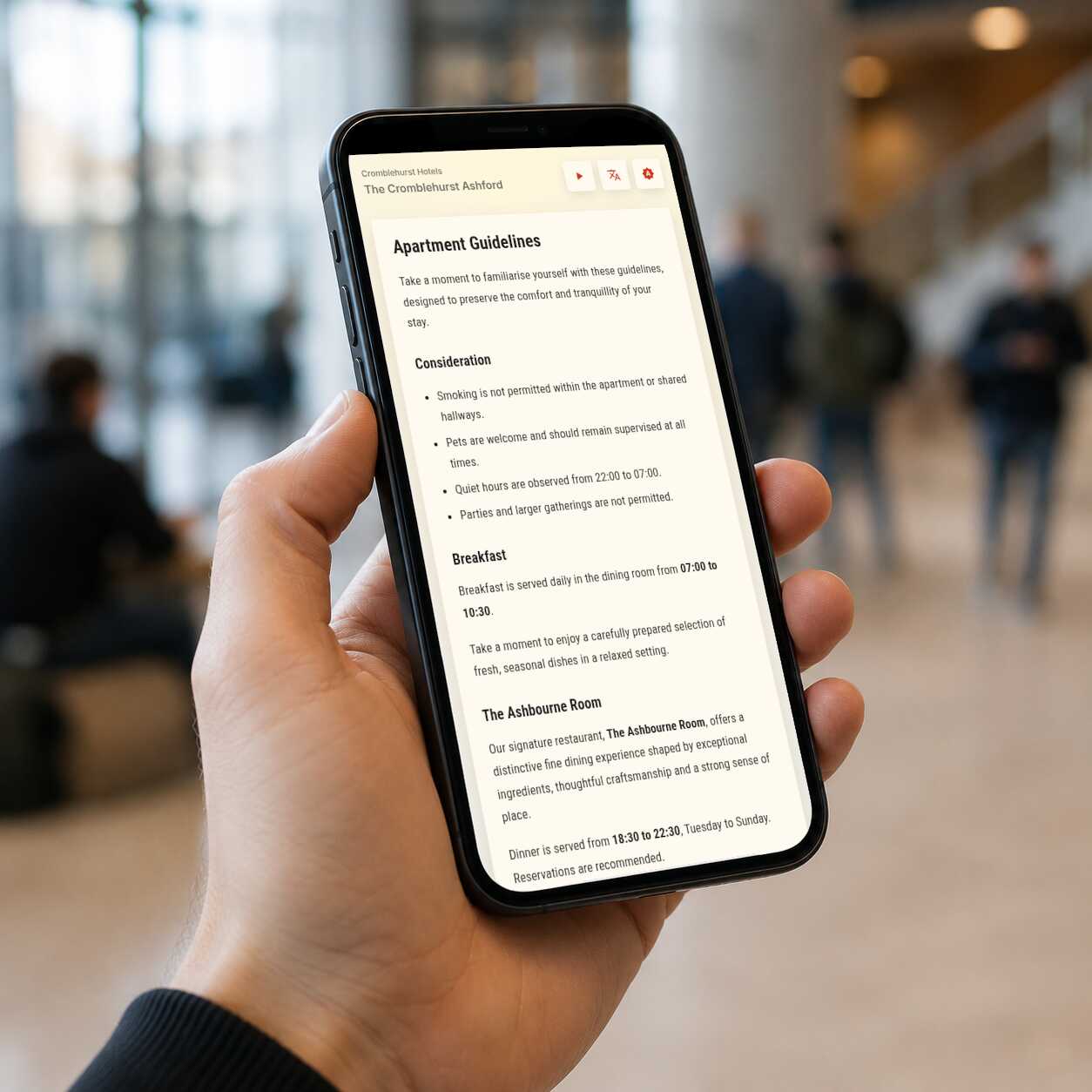
Intelligo is a publishing tool for visitor information in physical spaces. You create and update content in an admin console, print QR codes for the places where that content belongs, and visitors scan them to read a mobile-friendly page in their own language.
How does it work?
Publish once, print once, and keep visitor information current without replacing every sign.
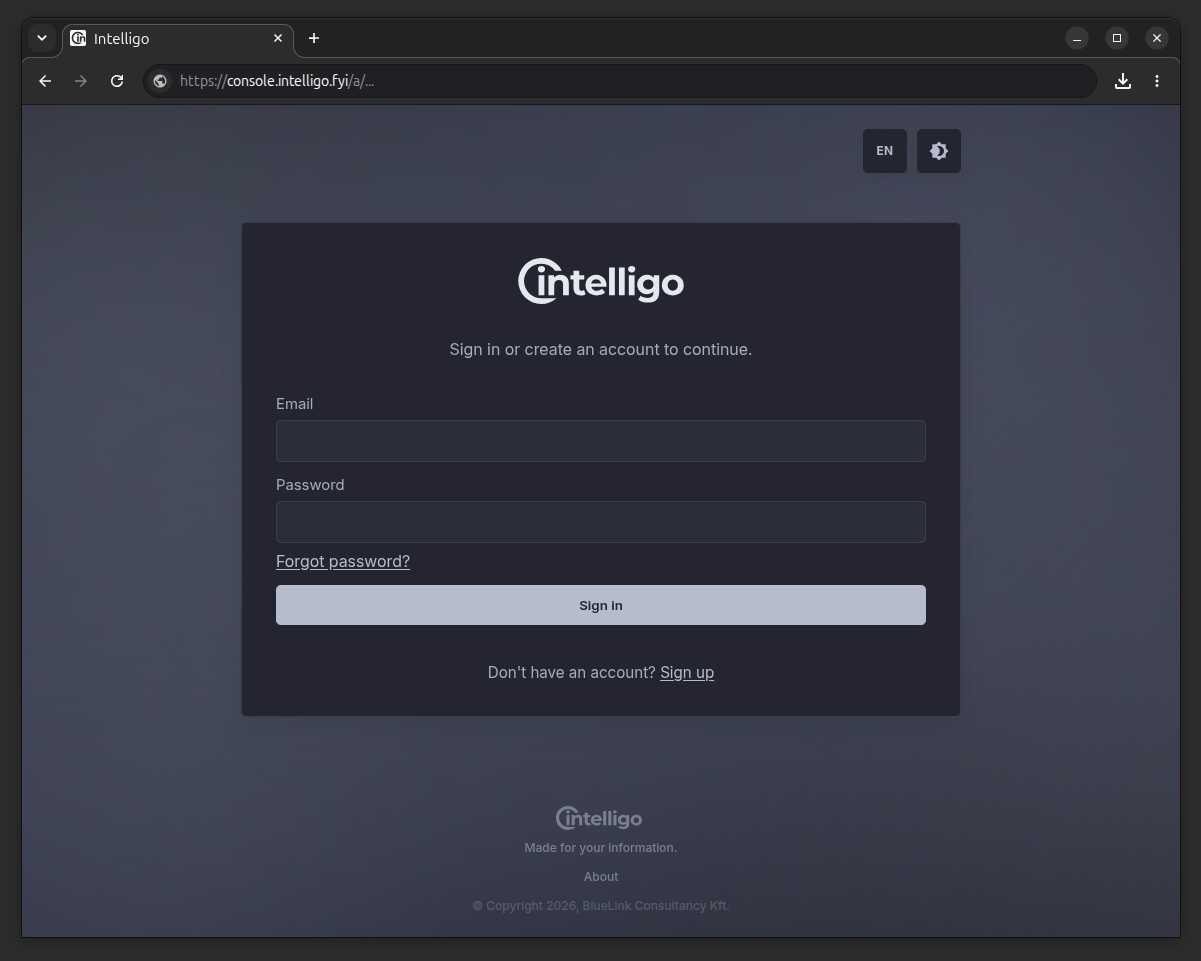
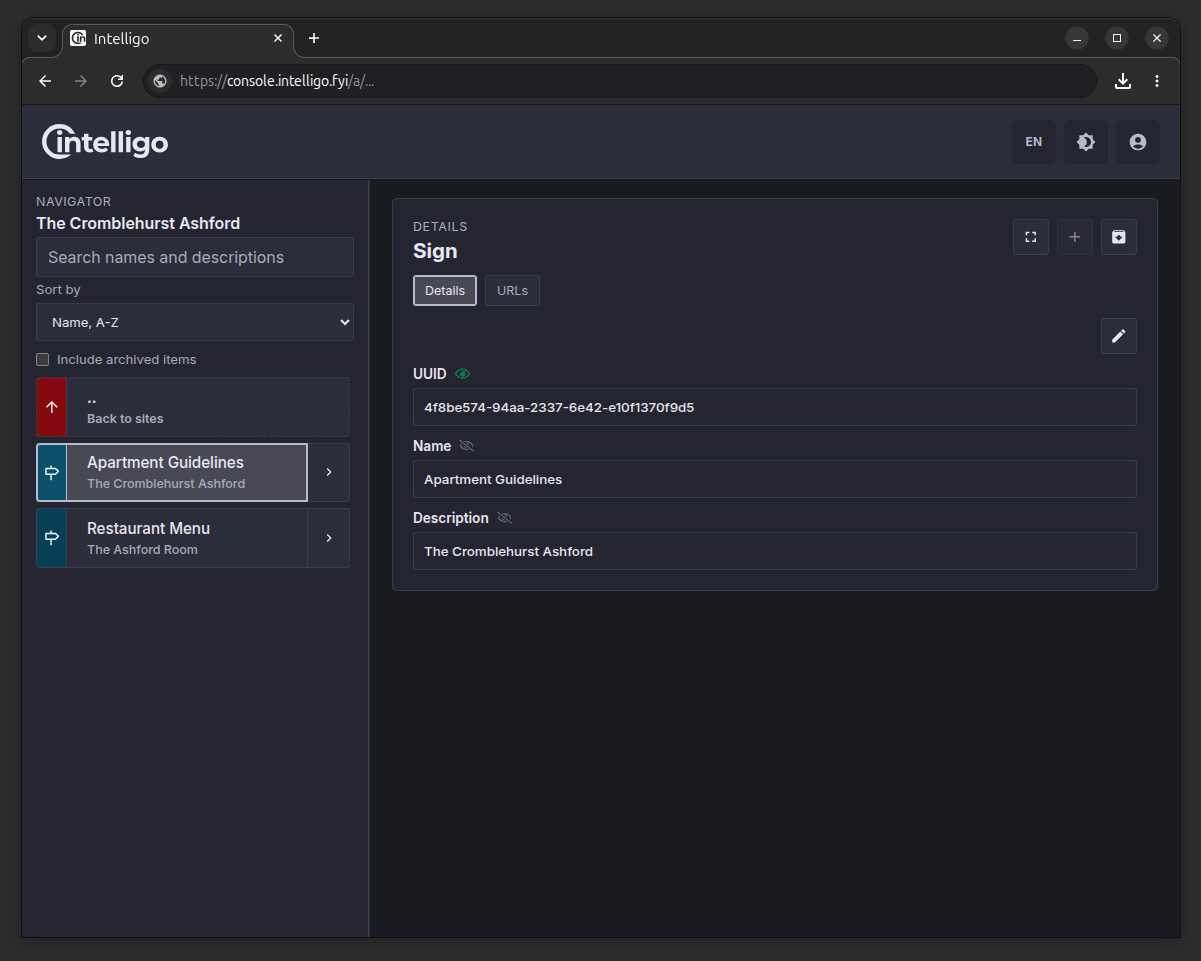
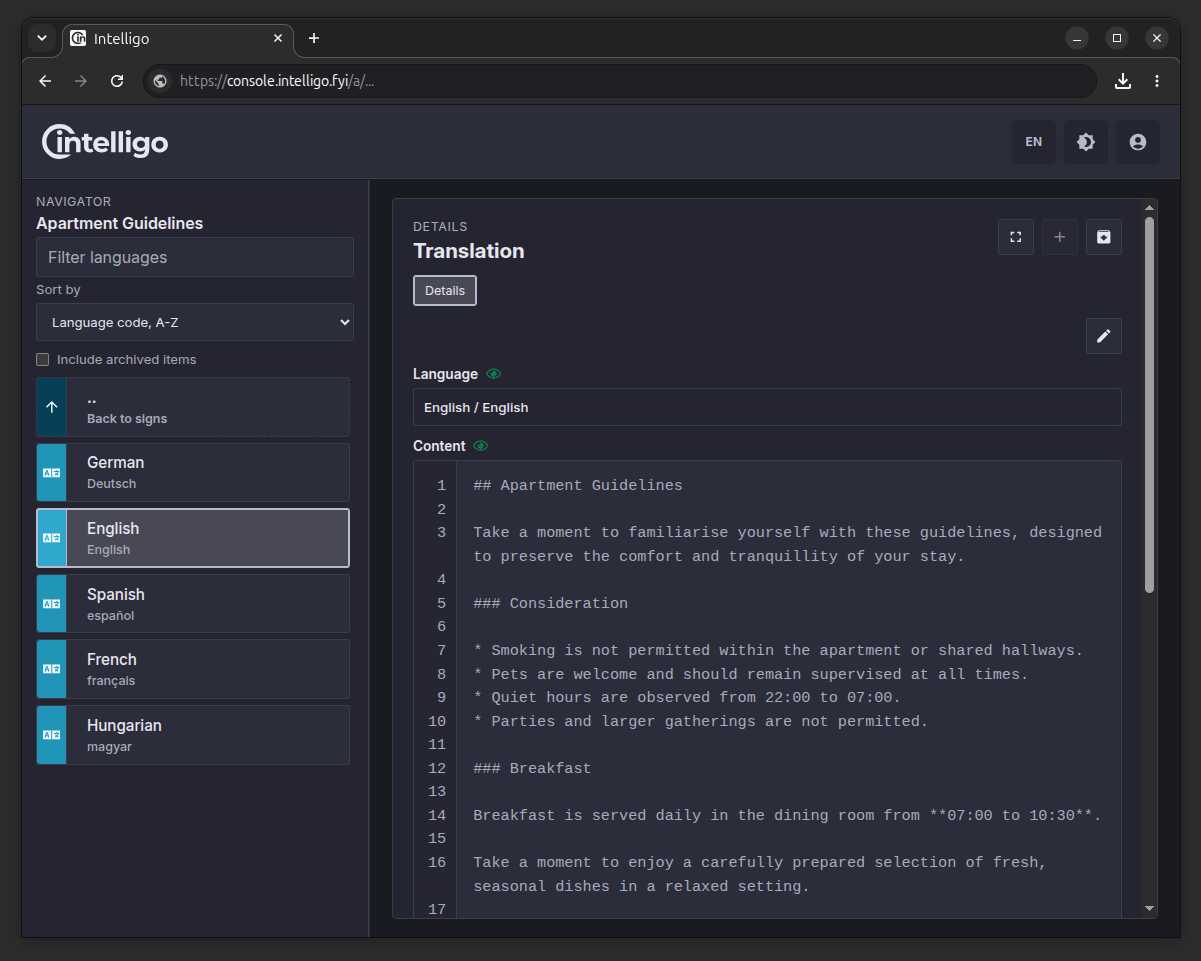
Create content
Write the information your visitors need in a simple editor, then keep translations connected to the same source.
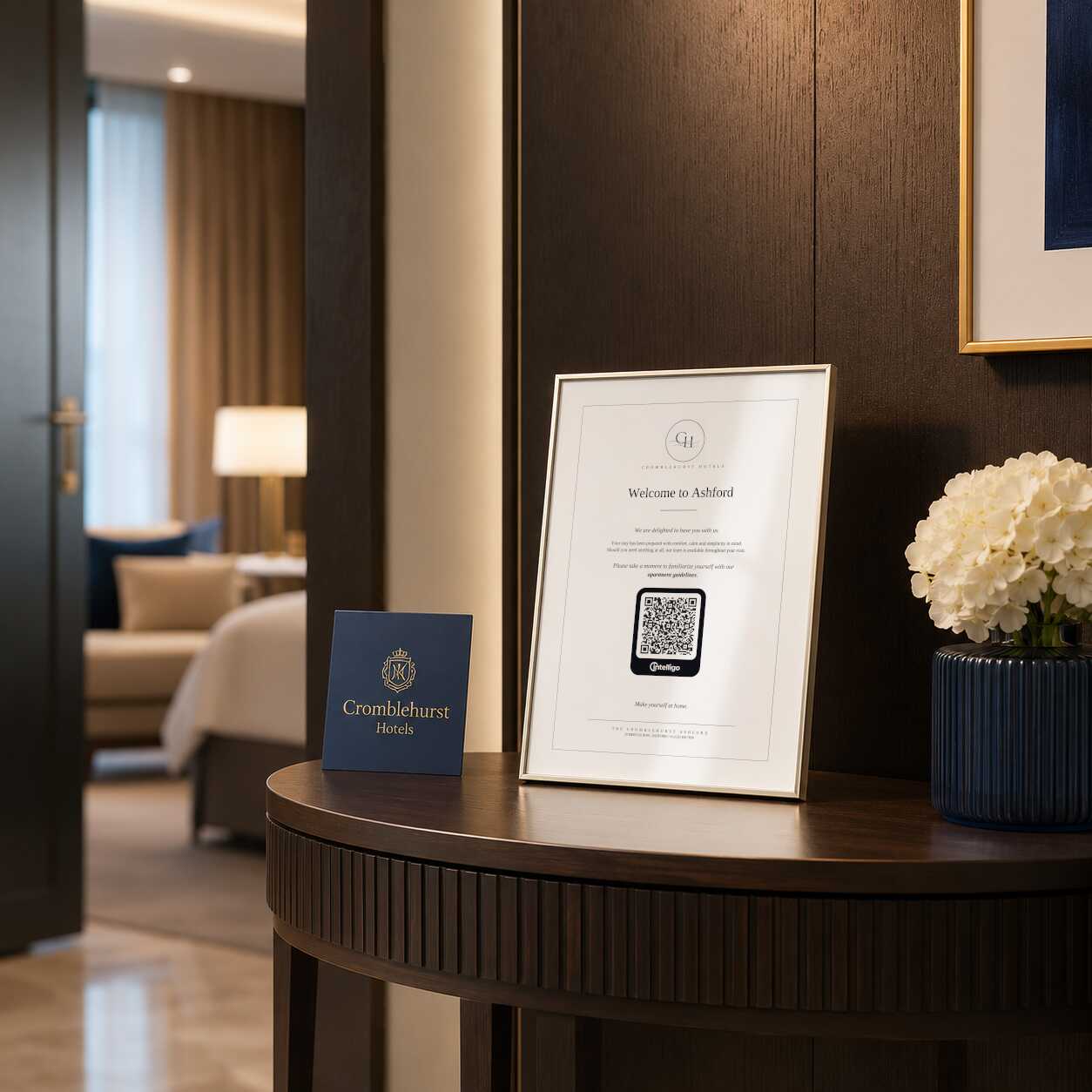
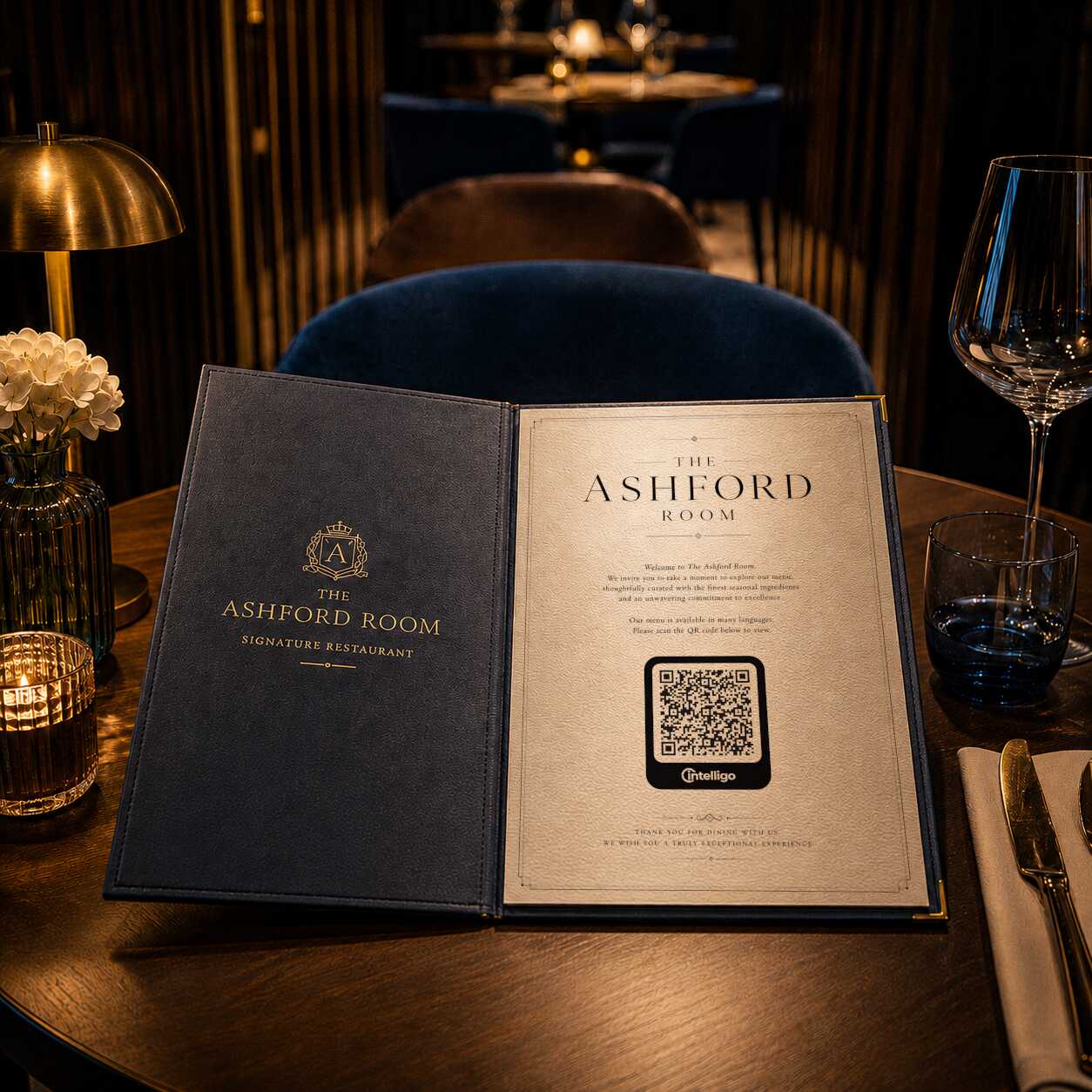
Print QR code
Export a QR code for the location, display, room, exhibit, desk, or table where that information belongs.
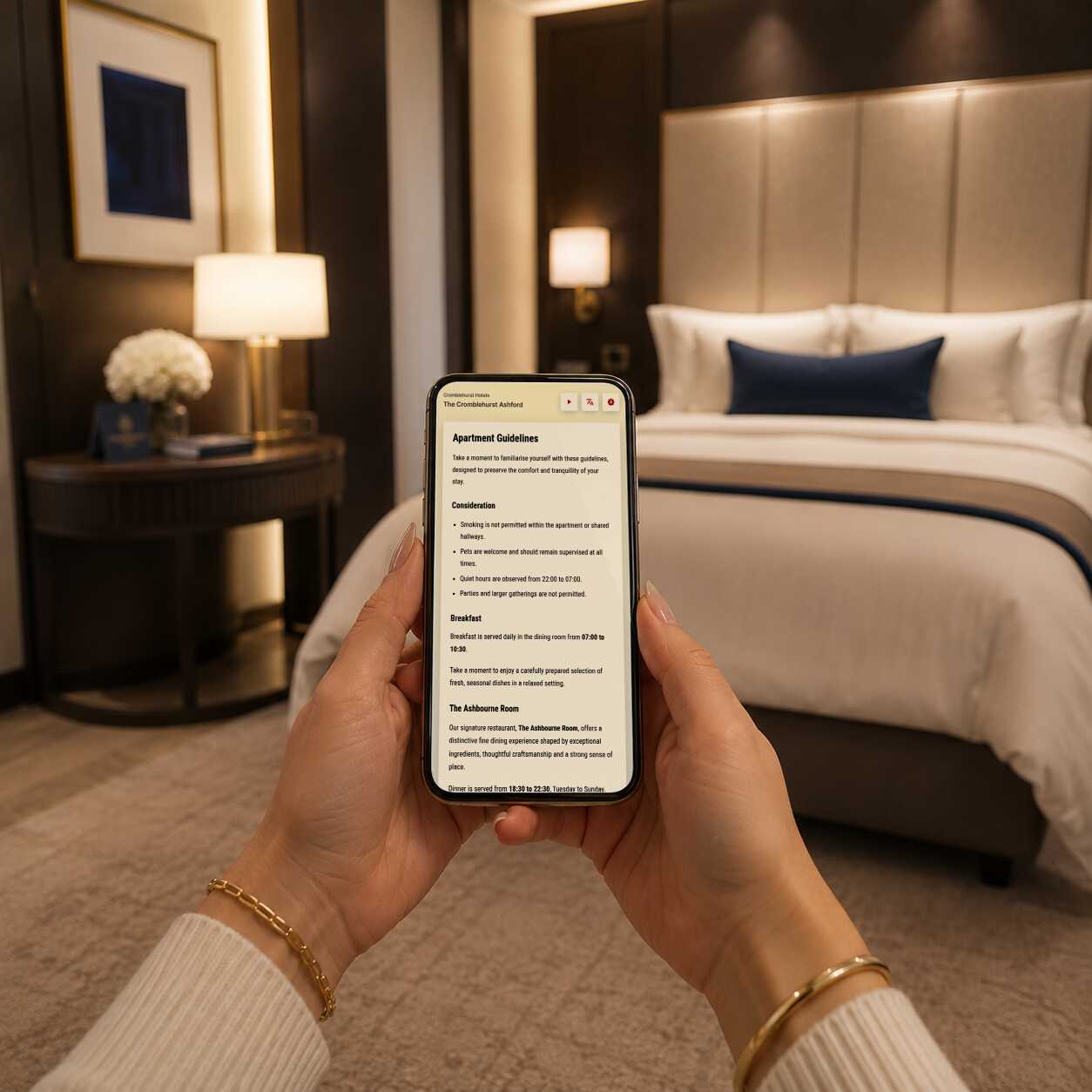
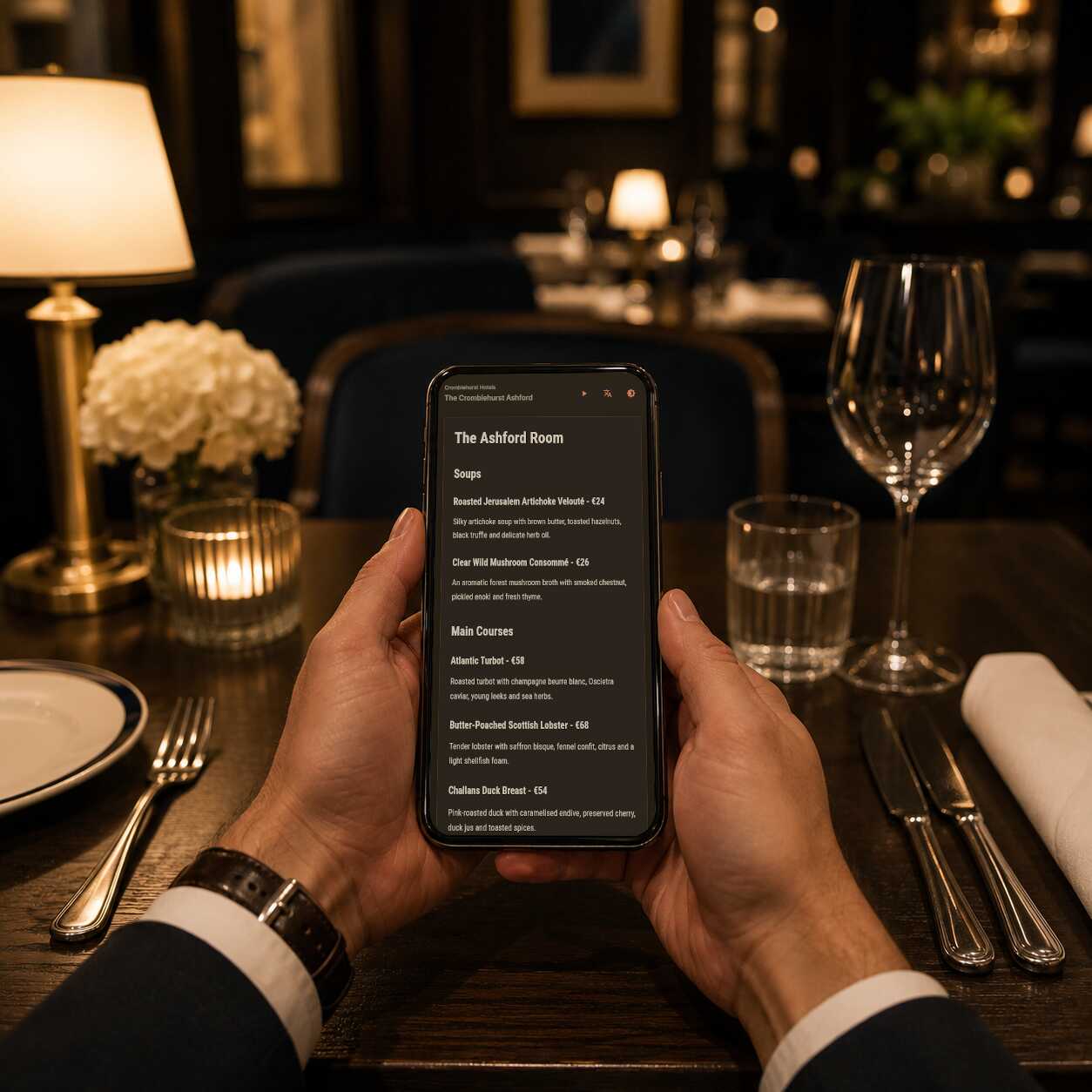
Visitors scan and read
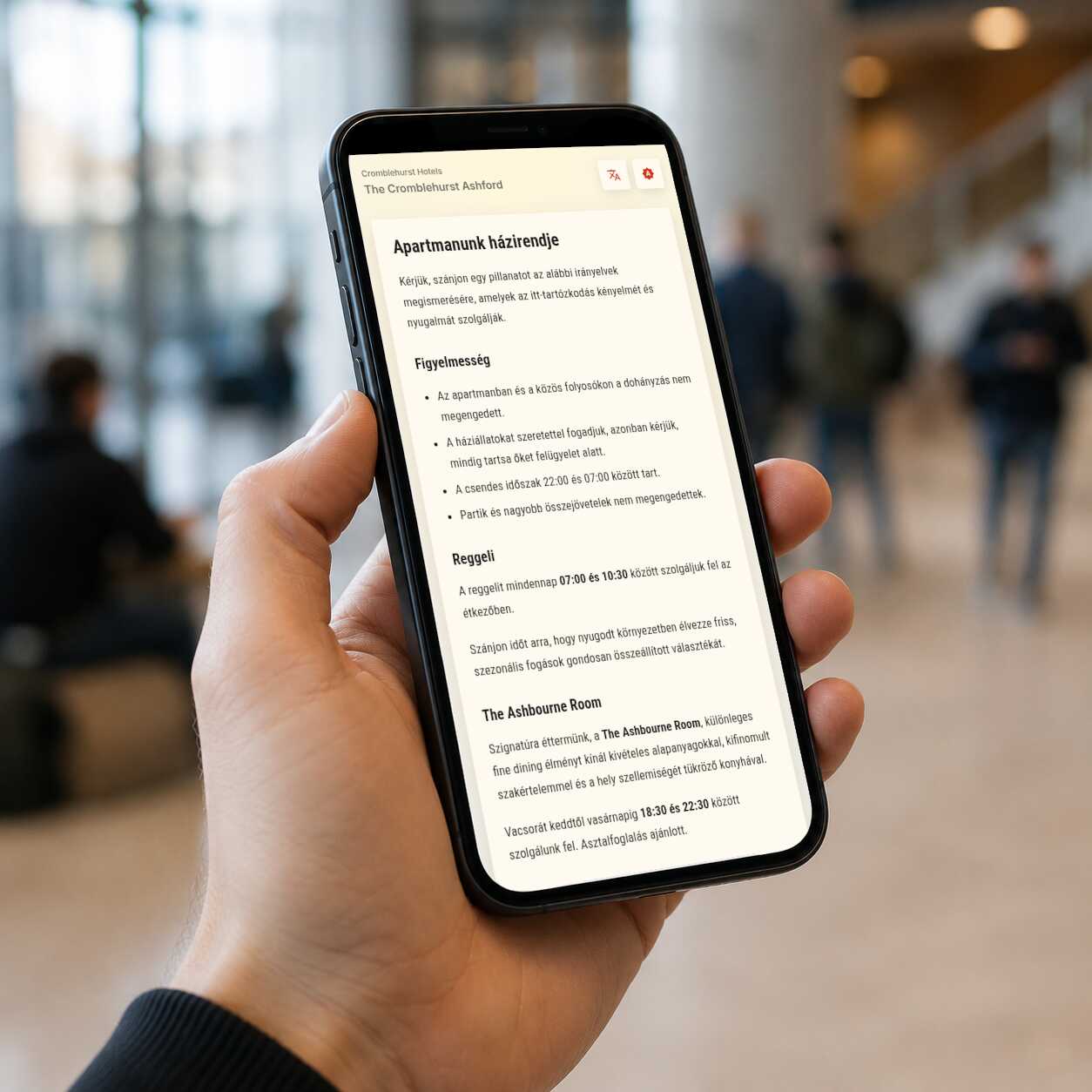
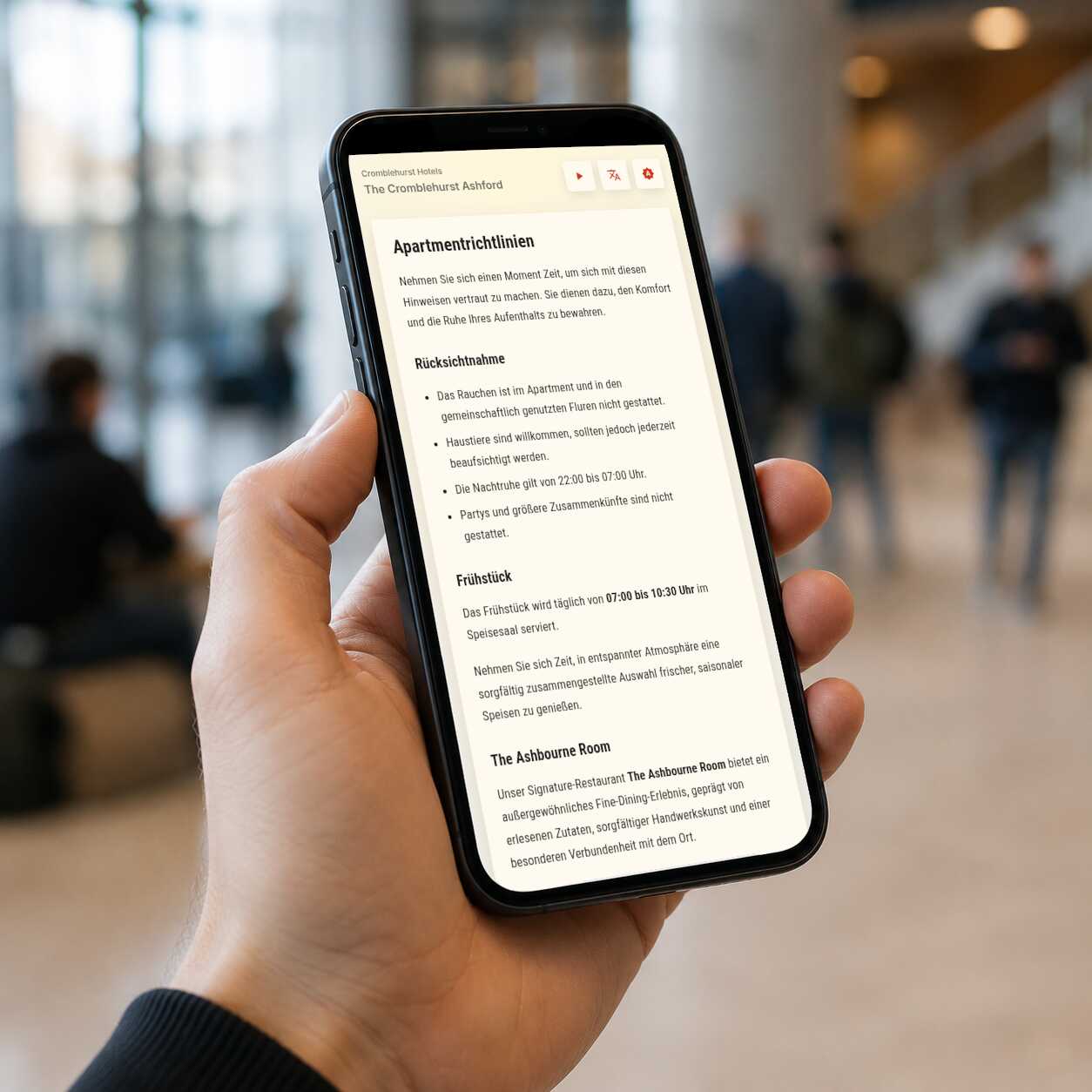
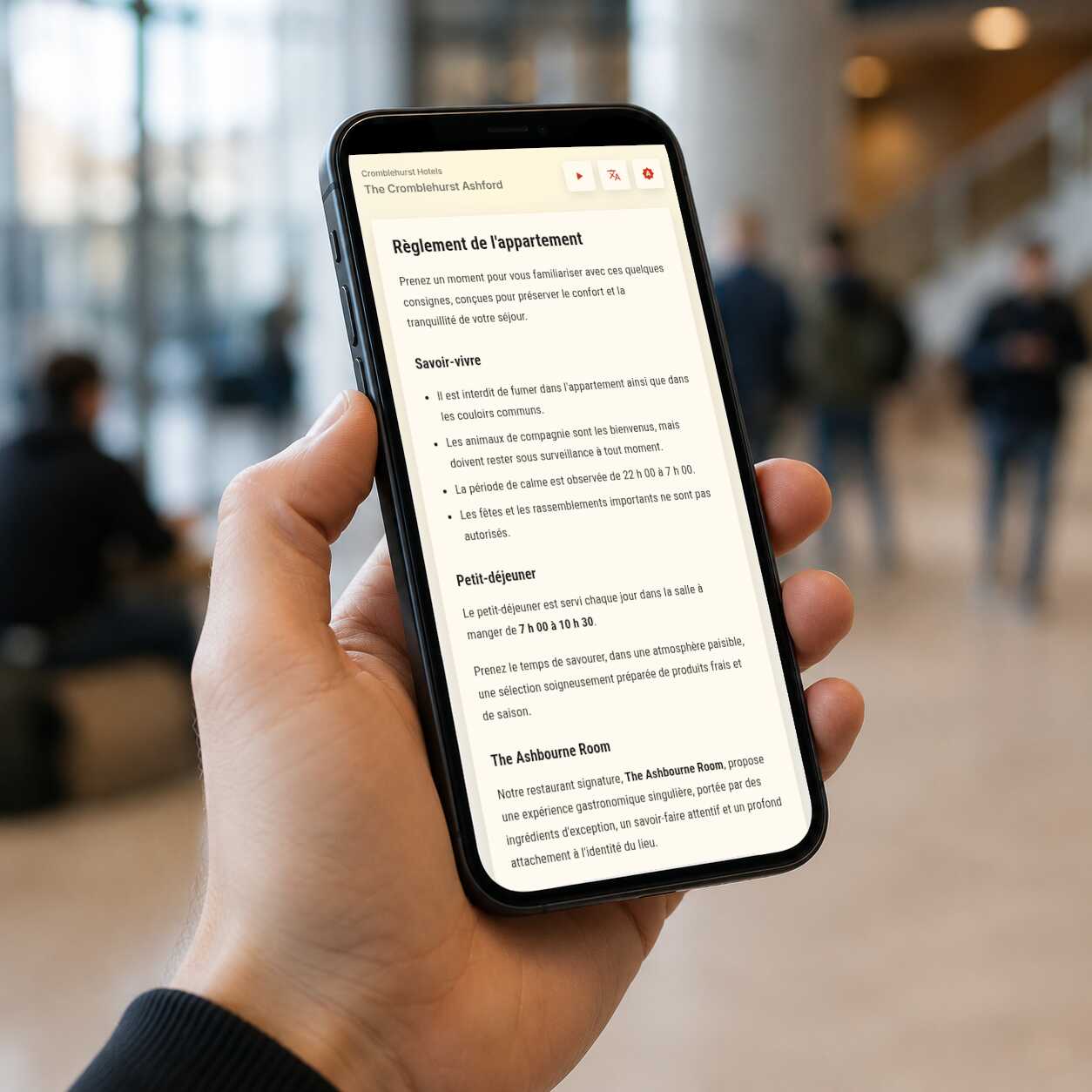
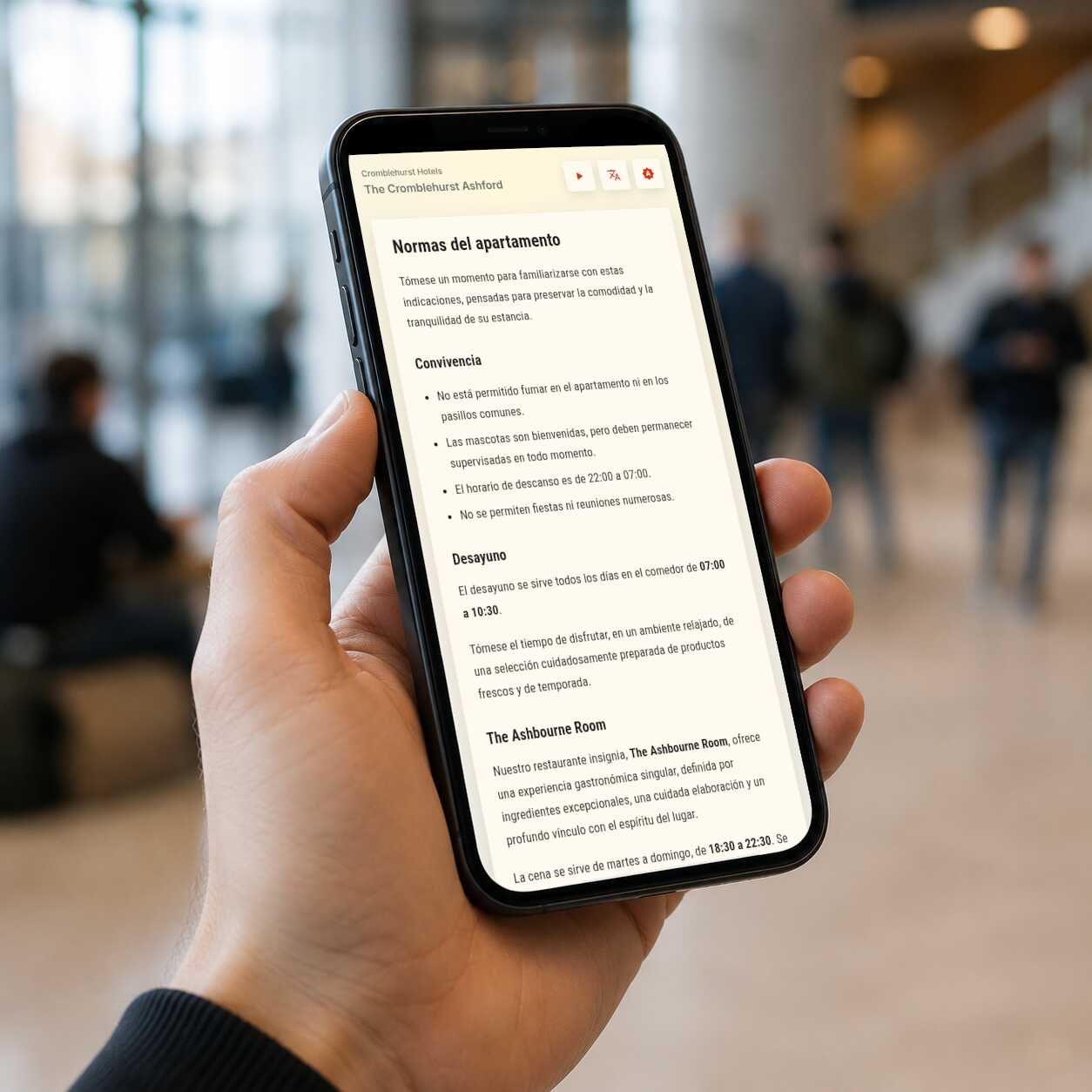
Scanning opens a mobile-friendly page in the visitor's language, with no app install or PDF download.
Who is it for?
Intelligo is built for places where printed information changes, visitors need clarity, and language should not get in the way.
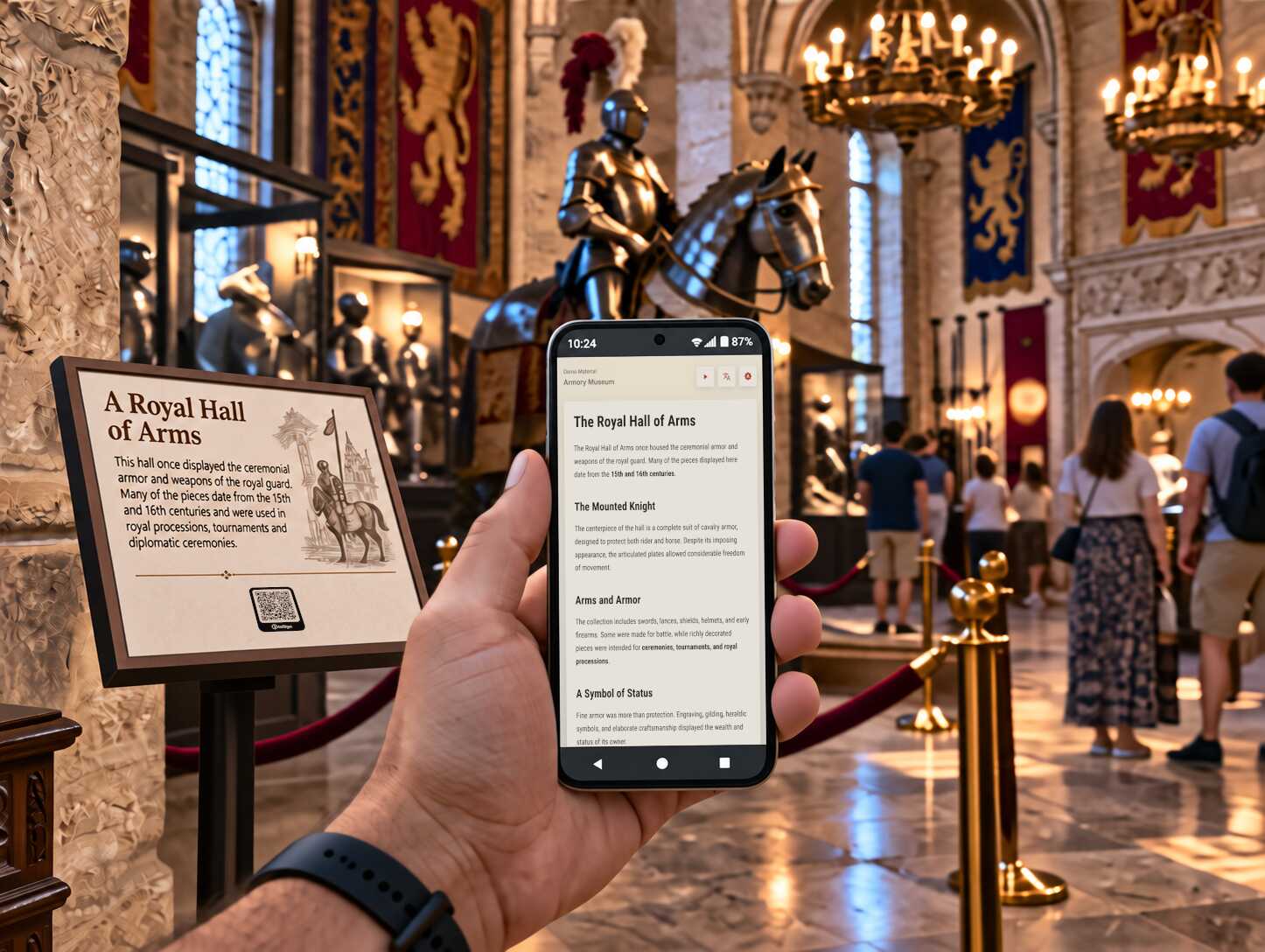
Museums
Let visitors scan exhibit labels, room guides, or temporary displays and read the content in their preferred language.
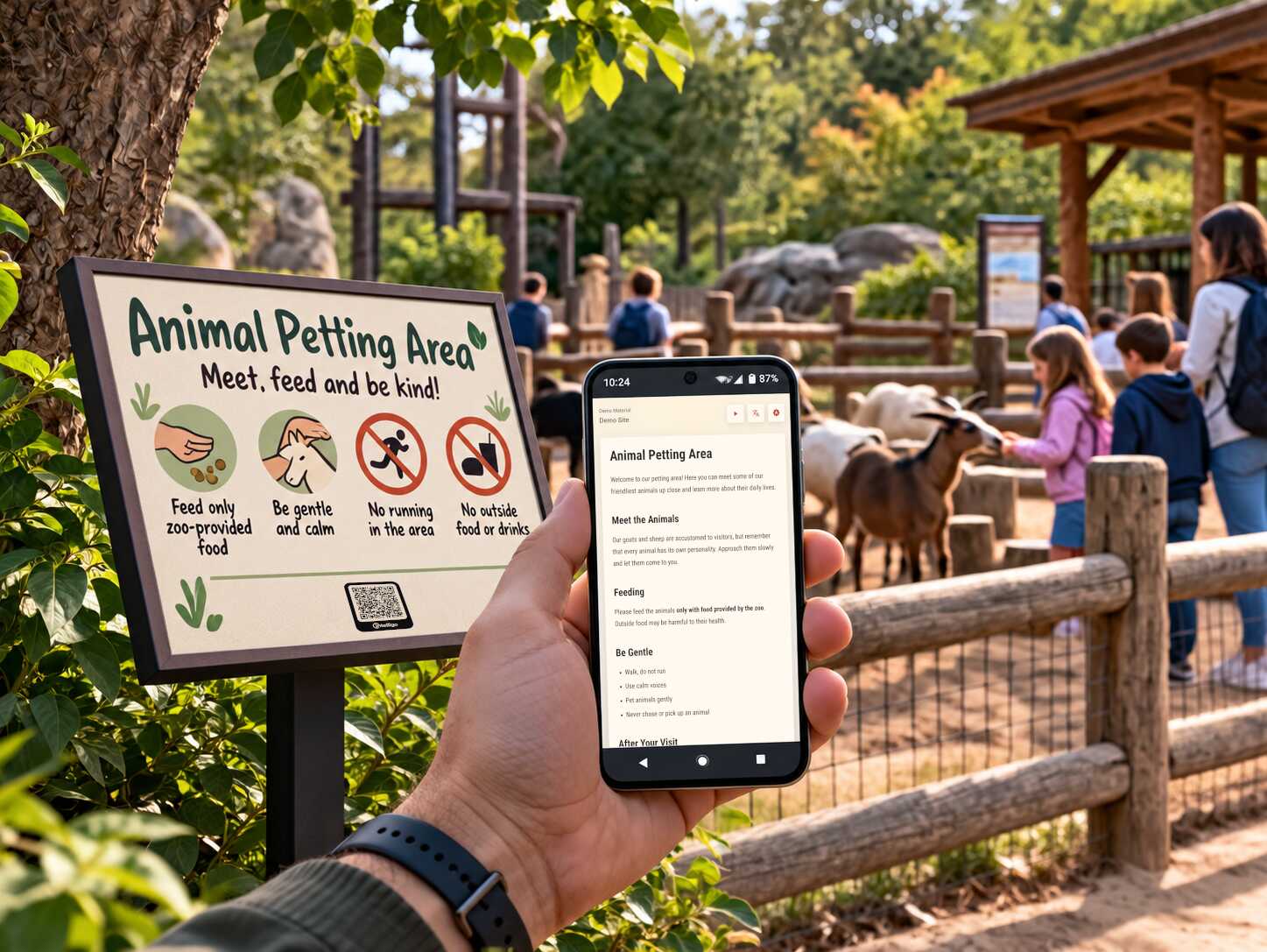
Zoos
Share up-to-date information about animals, habitats, feeding times, and visitor facilities in multiple languages.
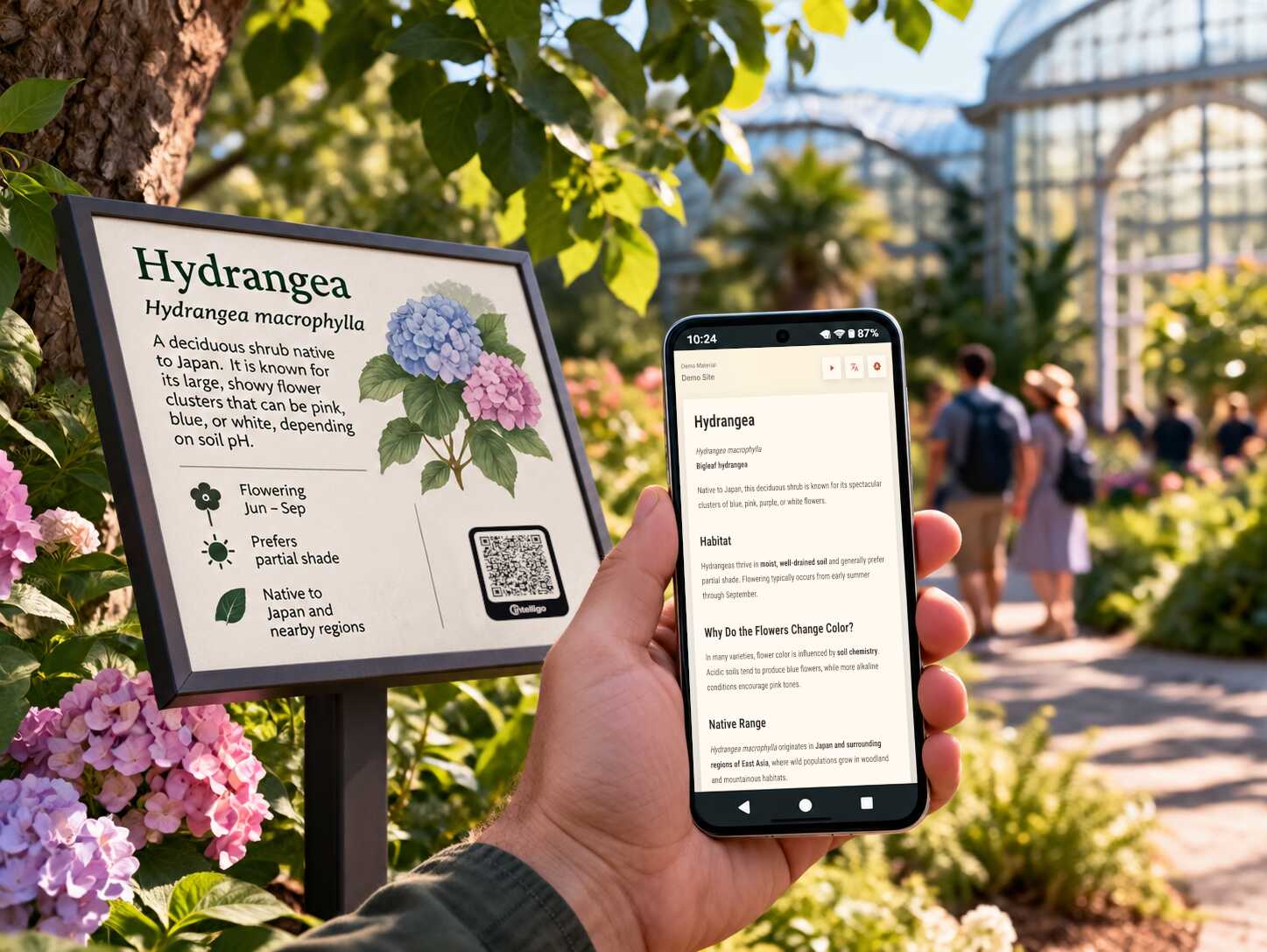
Botanic gardens
Help visitors discover plant collections, seasonal highlights, garden routes, and conservation work in their preferred language.
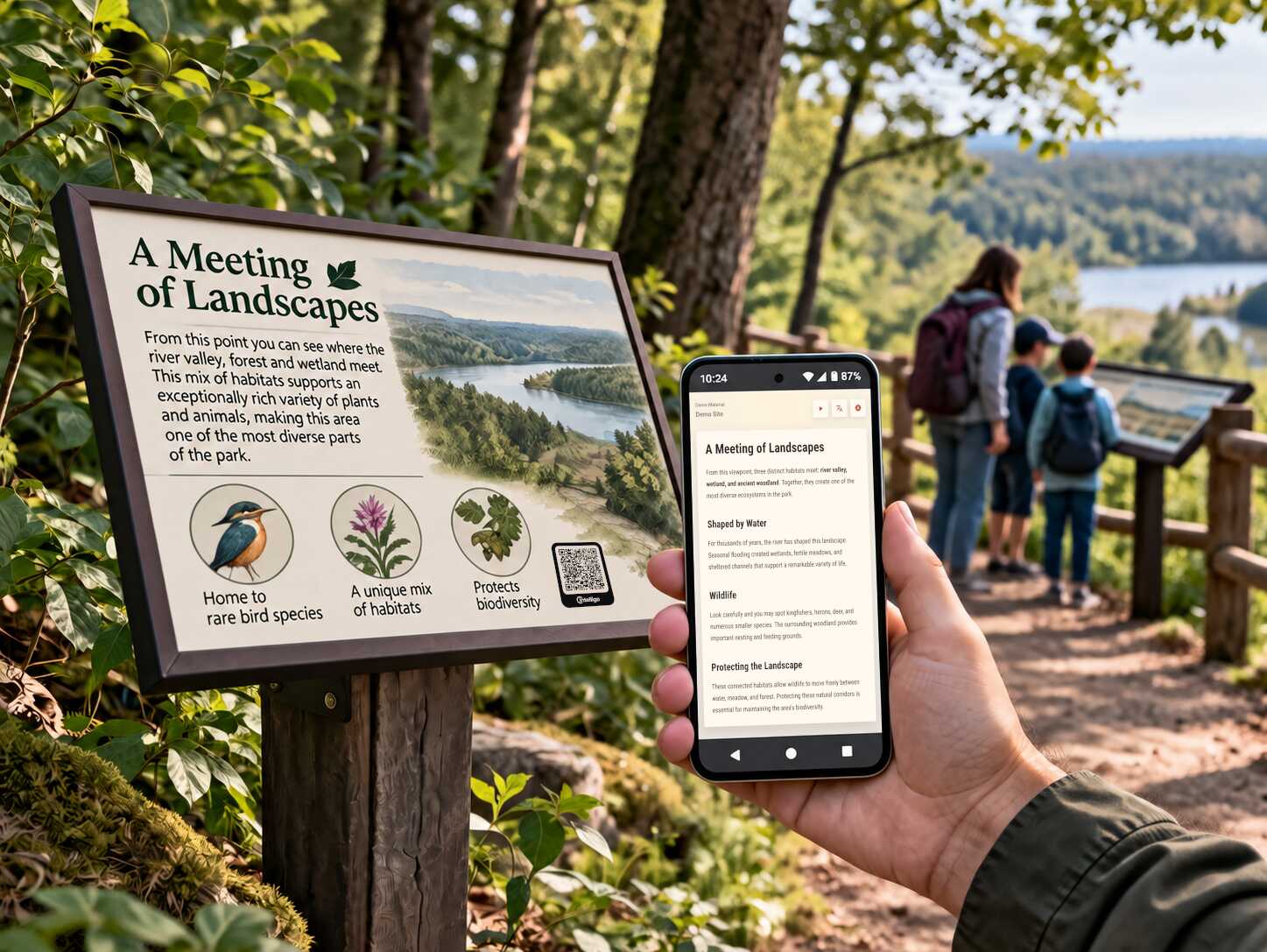
Nature parks and trails
Add multilingual trail guidance, points of interest, safety notices, and conservation information along every route.
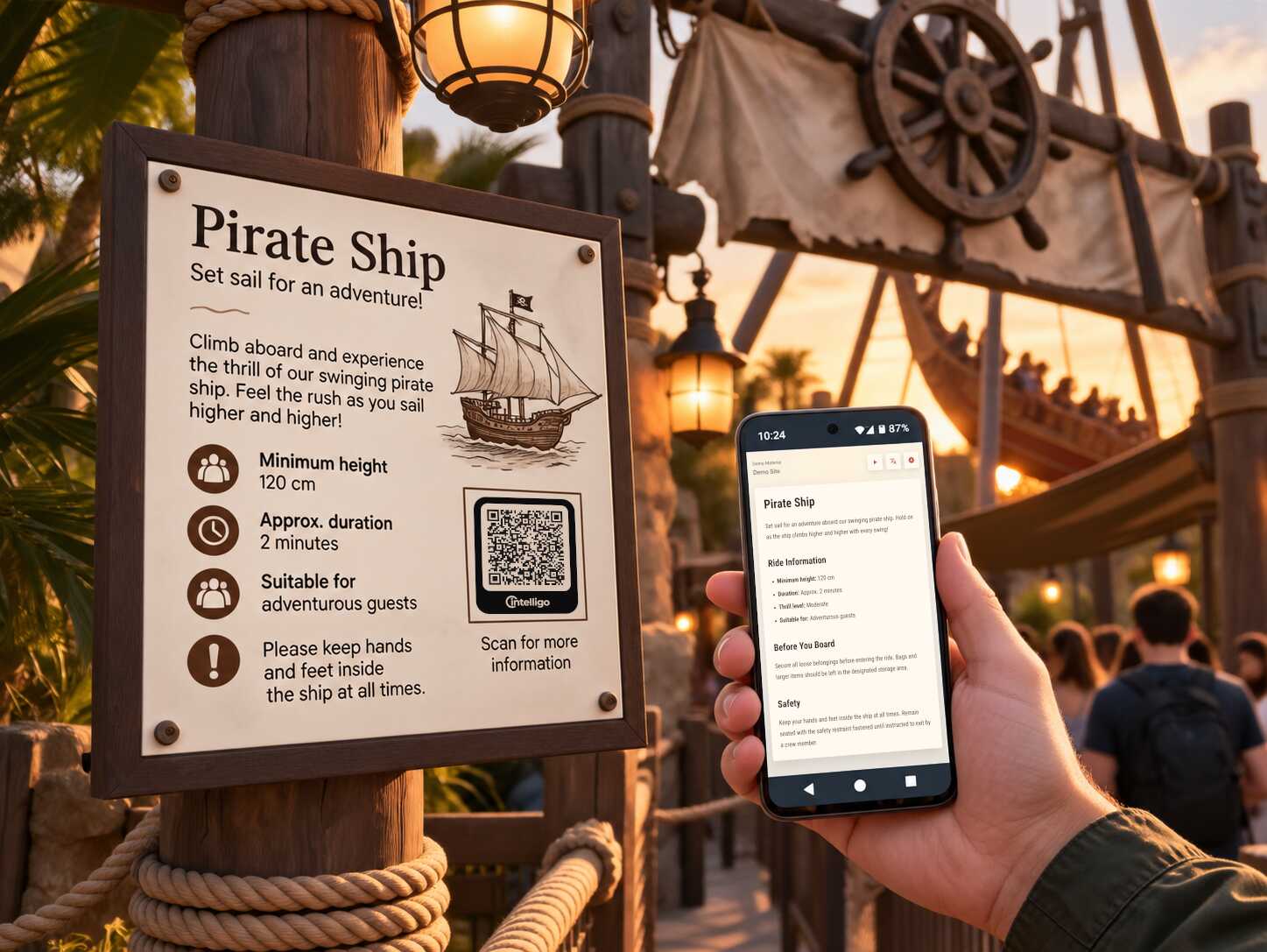
Theme parks
Keep attraction details, directions, safety instructions, and daily updates accessible throughout the park.
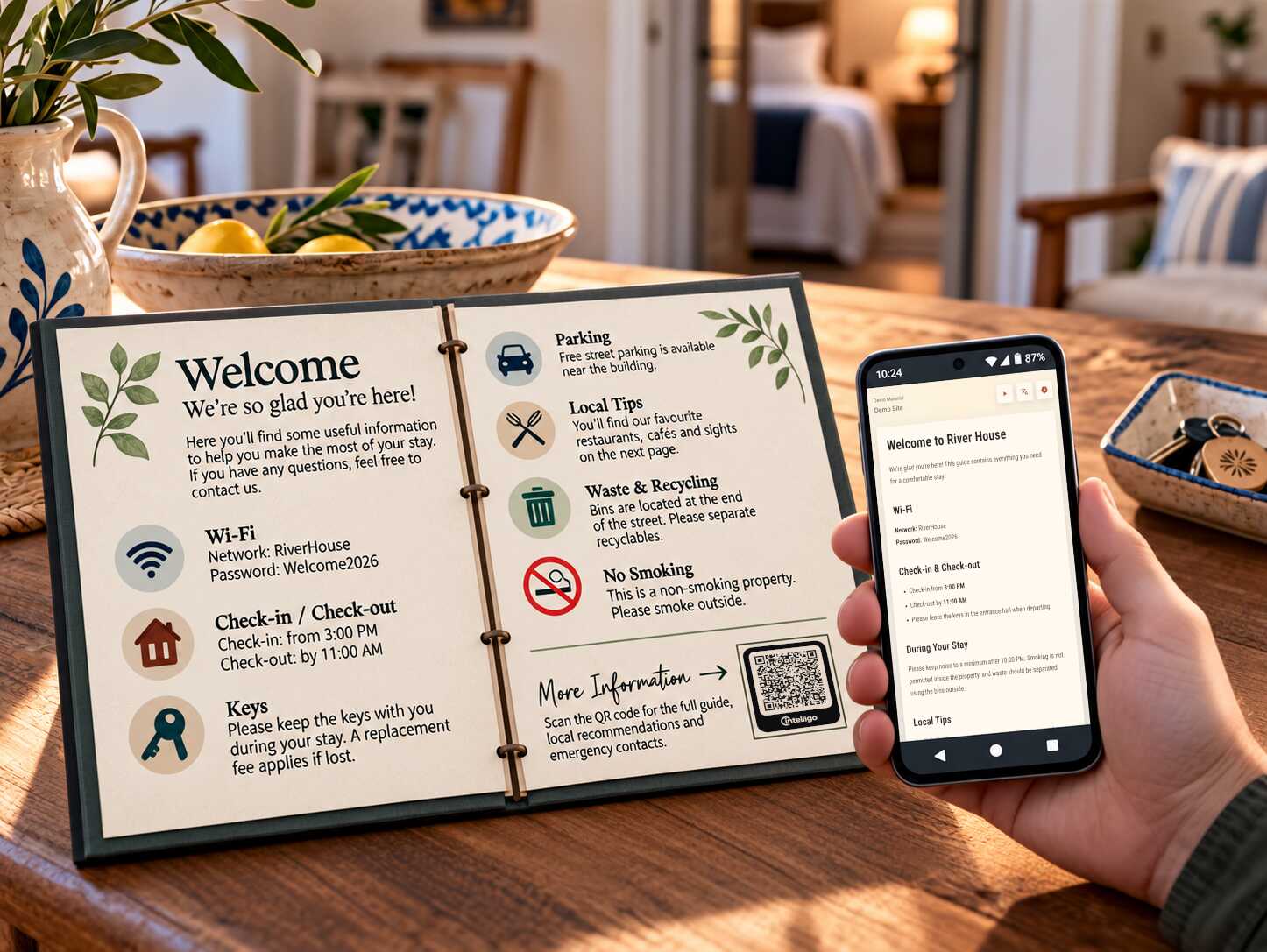
Vacation rentals
Give guests easy access to arrival details, house instructions, local recommendations, and important contacts in their language.
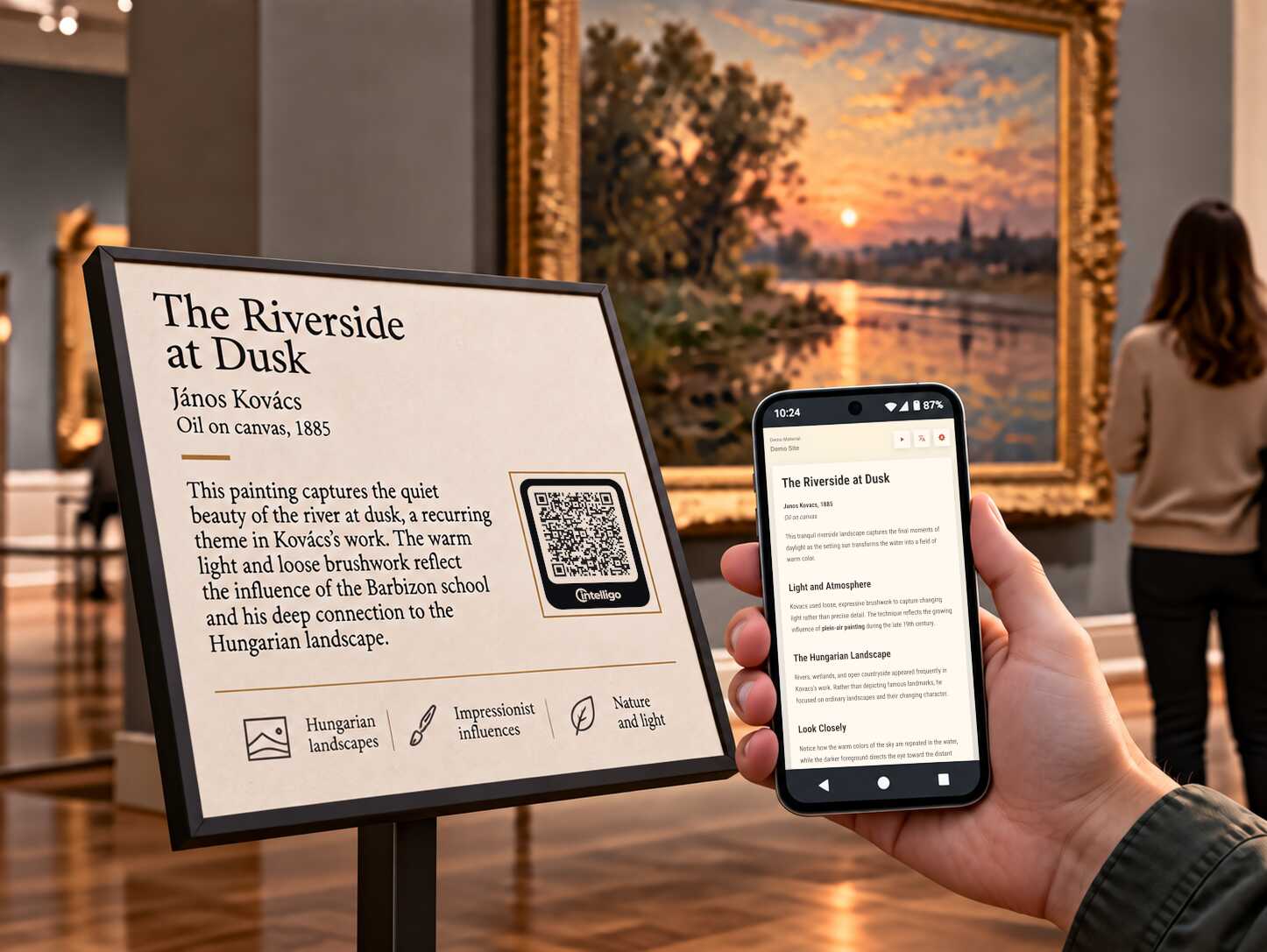
Art exhibitions
Present artworks, artist biographies, curatorial notes, and exhibition guides to an international audience.
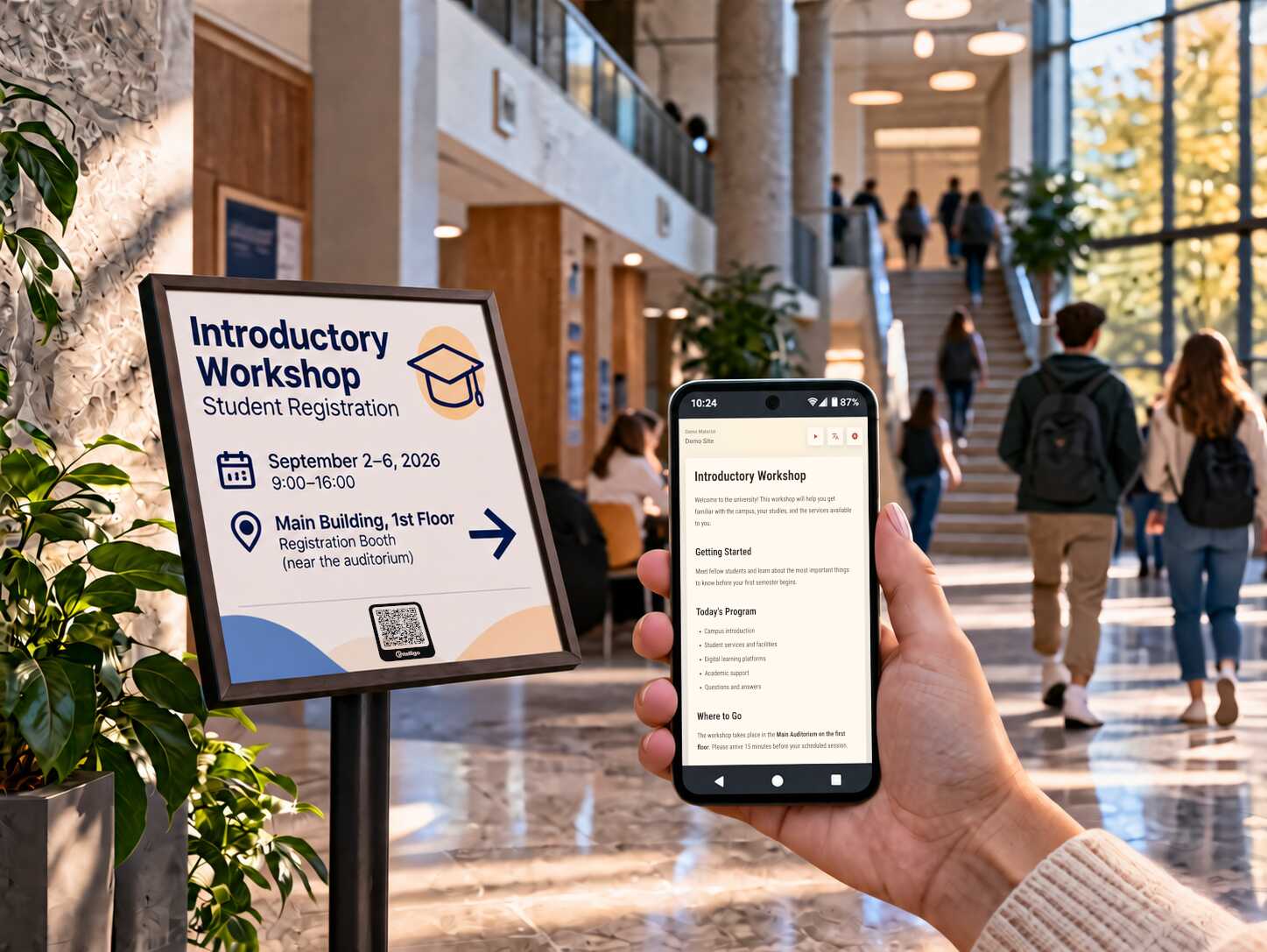
Universities
Publish campus directions, department notices, event details, and student information where people actually need it.
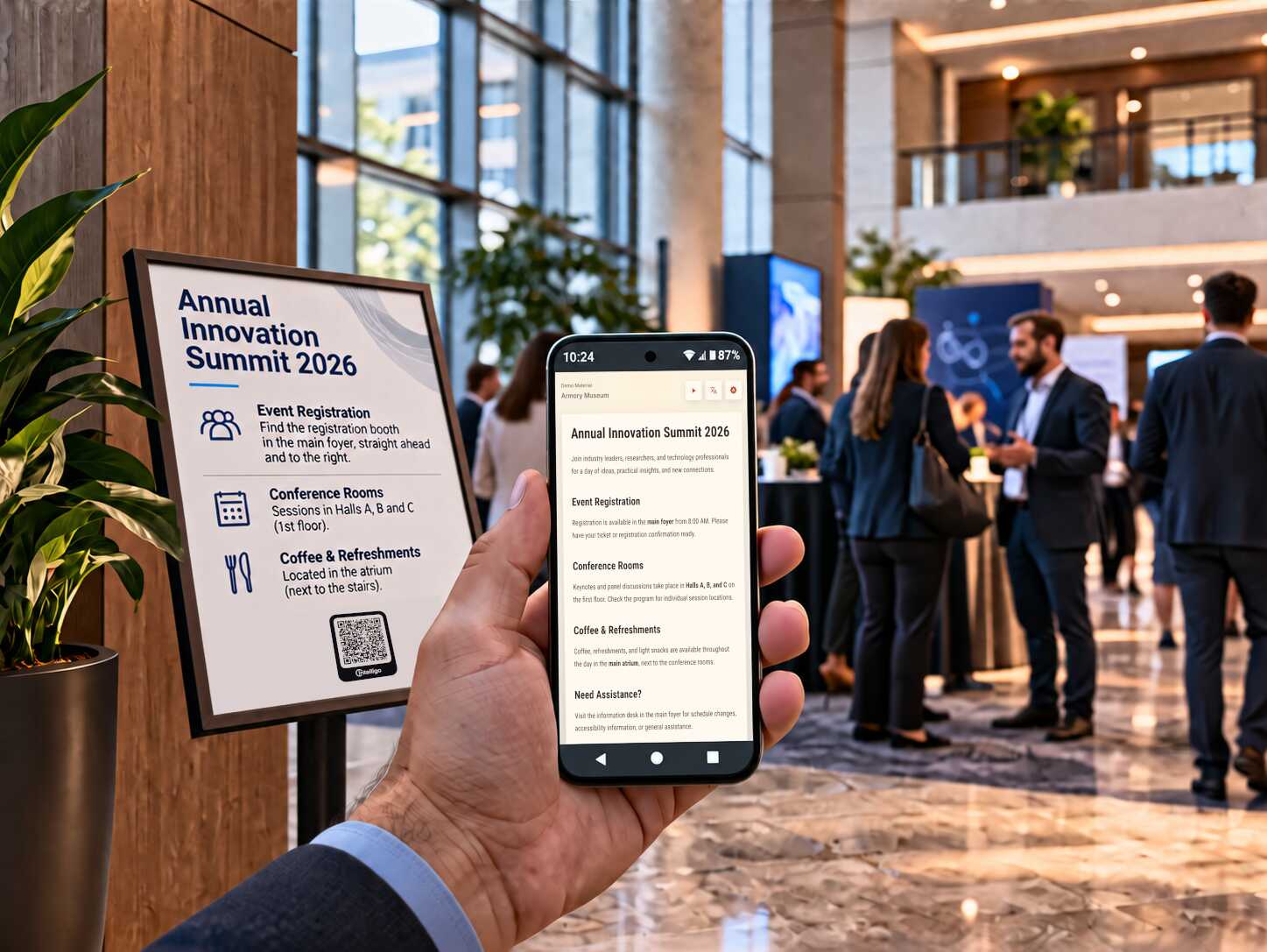
Professional events
Update schedules, venue maps, speaker details, and attendee instructions instantly across printed signs and badges.
Why is it useful?
Intelligo turns static signs into live information points. Your team can keep content current, visitors can understand it immediately, and your printed materials stay useful for longer.
Instant updates
Change the content once and every printed QR sign points to the latest version.
Multilingual delivery
Visitors can read the information in their own language without hunting for a separate document.
No app install
A scan opens a fast mobile page, so visitors get what they need without friction.
Get started
How do I start?
You can try Intelligo right away. If it fits your use case, we will help with pricing, setup, and the next steps.
Open the Admin Console
Start from the Intelligo Admin Console and begin setting up your workspace.
Register an account
Create your account, add the basics, and get access to the publishing flow.
Trial starts immediately
Try the product with real content and see whether it fits your venue or organization.
Reach out for a quote
If Intelligo is right for you, contact us and we will help you get things going.
Contact
Can I talk to someone?
Sure, we'd love to hear from you!
Use email for formal conversations and Discord for general questions while you are exploring Intelligo.
Best for quotes, purchasing conversations, partnerships, and anything that needs a clear written trail.
[email protected]Discord
Best for general inquiries, quick product questions, and early feedback while you are trying things out.
Join the Discord channelWe are a small team, so replies may not be instant. We will do our best to get back to you as soon as we can.